> For the complete documentation index, see [llms.txt](https://docs.dinmo.io/llms.txt). Markdown versions of documentation pages are available by appending `.md` to page URLs; this page is available as [Markdown](https://docs.dinmo.io/integrations/destination-platforms.md).
# Destination Platforms
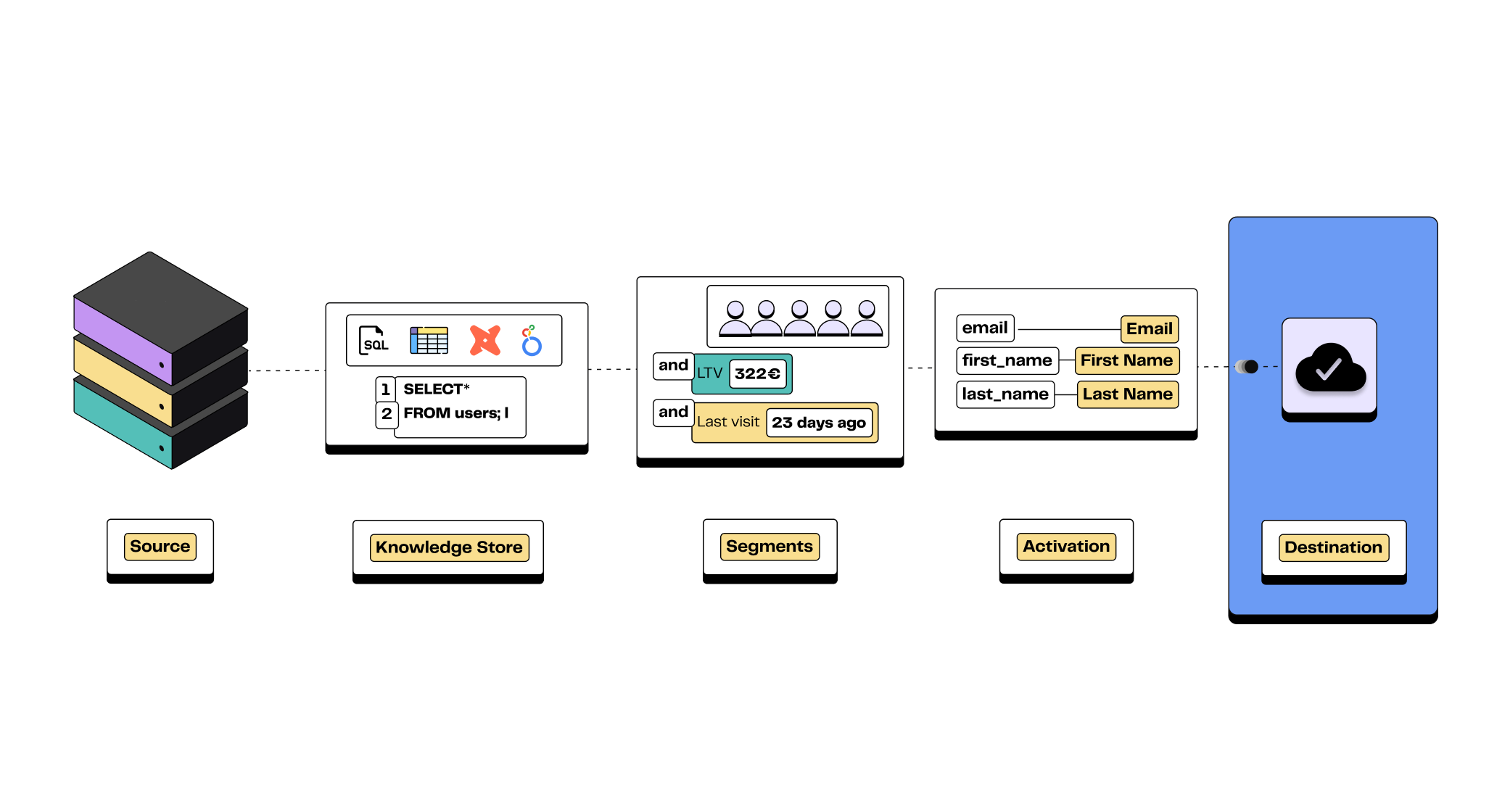
A destination refers to any external tool or service to which you can send source data. This is where the data is usually accessed and utilized by the end users.
A destination is defined by different parameters:
* **A destination platform**\
\
Examples of destination platforms include advertising platforms (such as Facebook Ads or Google Ads), customer relationship management software (such as Hubspot or Salesforce), or customer support tools (such as Zendesk). Other types of platforms, such as Facebook Catalog, are also supported on DinMo.
* **A destination service**\
\
This refers to the business use case you wish to implement in the destination. DinMo often support different services within a given destination platform. For instance, users can use DinMo to update audiences on Google Ads, but also, send conversions, or adjust conversions values.
* **Default activation settings**\
\
Default activation settings are optional and only available for some destination services. They simplify the activation configuration process by allowing you to set it up just once, eliminating the need for repetitive configuration.
After setting up a destination on DinMo, you can start sending data right away, no extra configuration will be needed.
{% hint style="info" %}
For guidance on connecting your designated destination, consult the corresponding section [Create a Destination](/guides/get-started-with-dinmo/initial-configuration-of-dinmo/create-a-destination.md)
{% endhint %}
***
## Ready to get started?
Book a demo and we will walk through the best way to launch your first DinMo use case.
[Book a demo](https://www.dinmo.com/contact/)
## Need help?
Our team is here to help with setup, modeling, activation, and troubleshooting.
[Contact us](mailto:hello@dinmo.com?subject=Docs%20help)
## Feature requests?
Tell us which connector, workflow, or improvement would make DinMo more useful for your team.
[Request a feature](mailto:hello@dinmo.com?subject=Feature%20request)
[Privacy Policy](https://www.dinmo.com/legals/privacy/) | [Terms of Service](https://www.dinmo.com/terms-of-service/)
---
# Agent Instructions
This documentation is published with GitBook. GitBook is the documentation platform designed so that both humans and AI agents can read, navigate, and reason over technical content effectively. Learn more at gitbook.com.
## Querying This Documentation
If you need additional information that is not directly available in this page, you can query the documentation dynamically by asking a question.
Perform an HTTP GET request on the current page URL with the `ask` query parameter, and the optional `goal` query parameter:
```
GET https://docs.dinmo.io/integrations/destination-platforms.md?ask=&goal=
```
`ask` is the immediate question: it should be specific, self-contained, and written in natural language.
`goal` is optional and describes the broader end goal you are ultimately trying to accomplish on behalf of the user. GitBook uses it to tailor the answer towards what is most useful for that goal.
The response will contain a direct answer to the question and relevant excerpts and sources from the documentation.
Use this mechanism when the answer is not explicitly present in the current page, you need clarification or additional context, or you want to retrieve related documentation sections.